
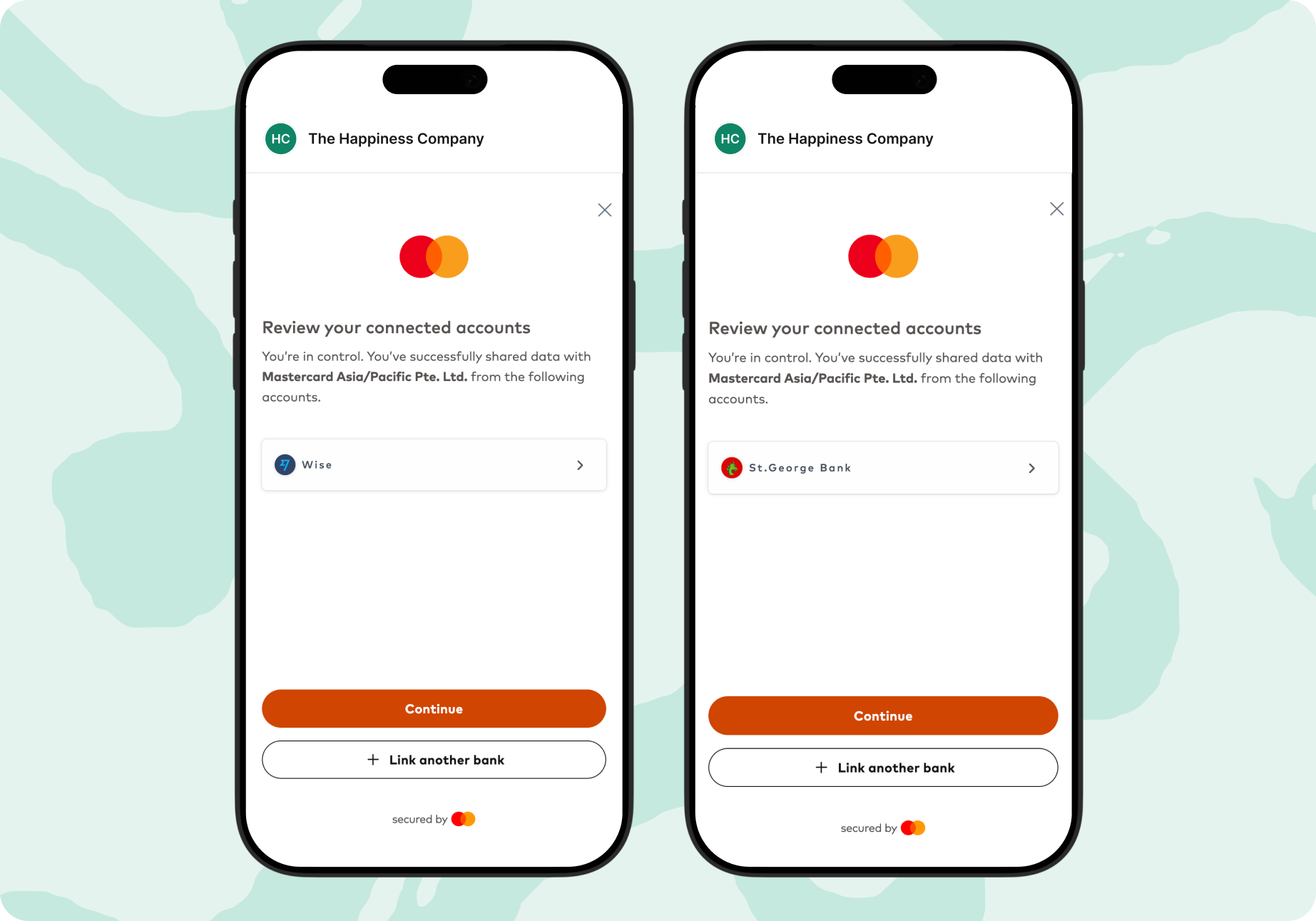
ANNA lets you securely connect your other bank accounts using open banking, powered by Mastercard. Once connected, you’ll see all your business transactions in one simple dashboard. You’ll also get access to smart tools that help you track your business profit, GST, and cash flow – without hopping between apps or wrestling with spreadsheets.
Here’s a simple guide to what open banking is, why it matters, how to connect your accounts to ANNA and the benefits of having everything in one place.

Open banking lets you securely share your account information with apps like ANNA – but only when you give permission.
Here’s how it works:
Open banking basically allows ANNA to “read” your transactions and balances so it can show them alongside your ANNA account. Mastercard powers much of this infrastructure behind the scenes, making the connections reliable and secure.
Connecting your accounts makes managing your business money much easier. Here’s what you get:
1. See all your business money in one place
No more guessing or switching between apps. ANNA shows all your connected bank balances and transactions in a single dashboard.
2. Better cash-flow visibility
You’ll instantly see money in, money out, and your real financial position across all accounts.
3. Smarter bookkeeping and tax tools
Connected accounts means ANNA can automatically sort expenses, track payments and help you stay ready for BAS, GST and tax time.
4. Less admin, more time for your business
No more downloading statements or reconciling accounts manually. ANNA pulls everything together for you.
Connecting your accounts only takes a few minutes. Here’s what to do:
Step 1: Log in to ANNA
Open the ANNA business dashboard on your computer browser and log in.
Step 2: Click on your ANNA business account
On the left-hand side of the dashboard, select your company’s ANNA business account.
Step 3: Go to ‘Connect an account’
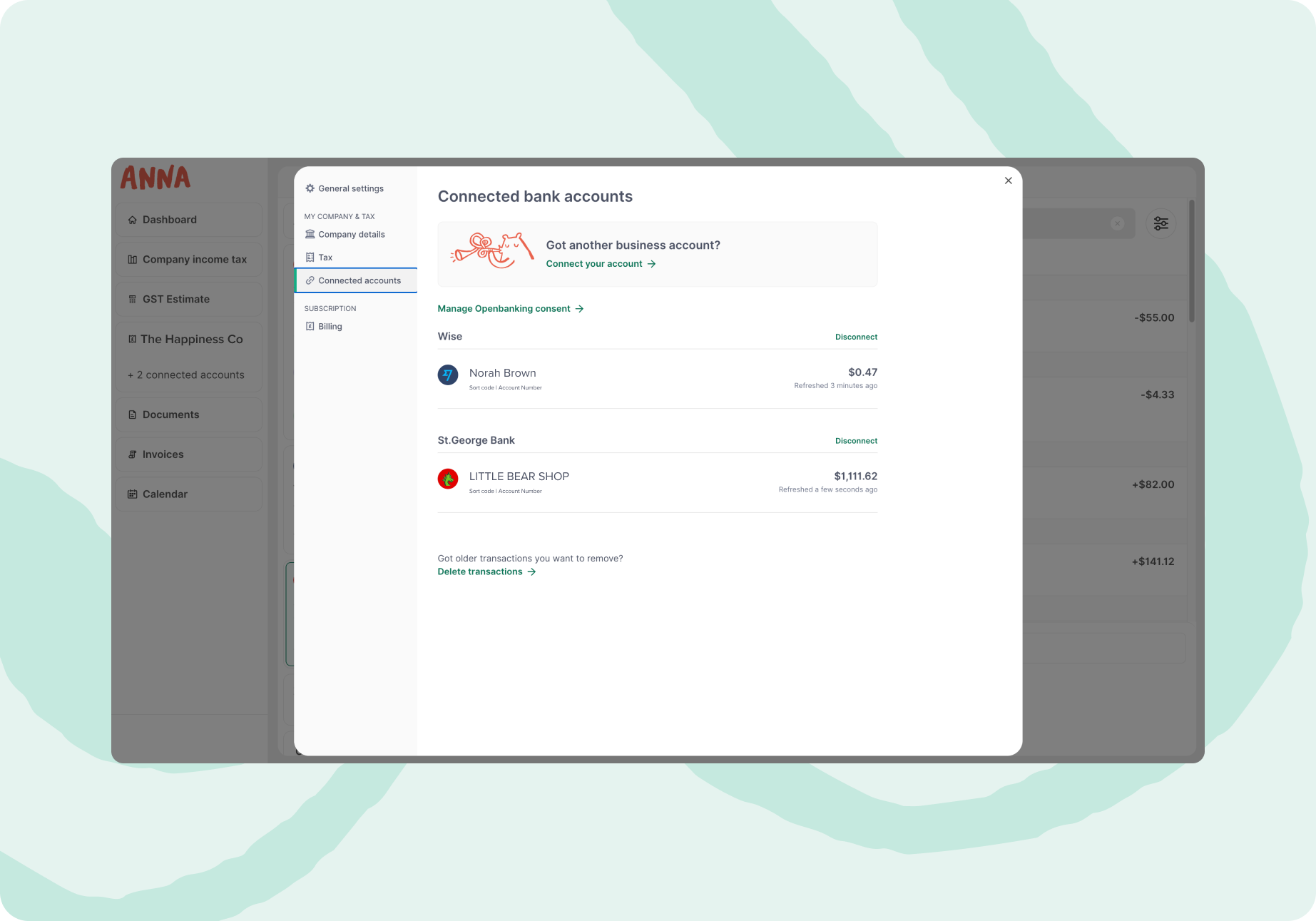
In the pop-up menu, click ‘Connect an account’. A page will load with the message ‘Open banking connection’.
Step 4: Choose your bank
Follow the prompts and select the bank you want to link.
Step 5: All done!
Now your accounts will appear in ANNA.
Once authorised, your balances and recent transactions will start showing in ANNA. You can disconnect any account, anytime in ANNA’s settings.
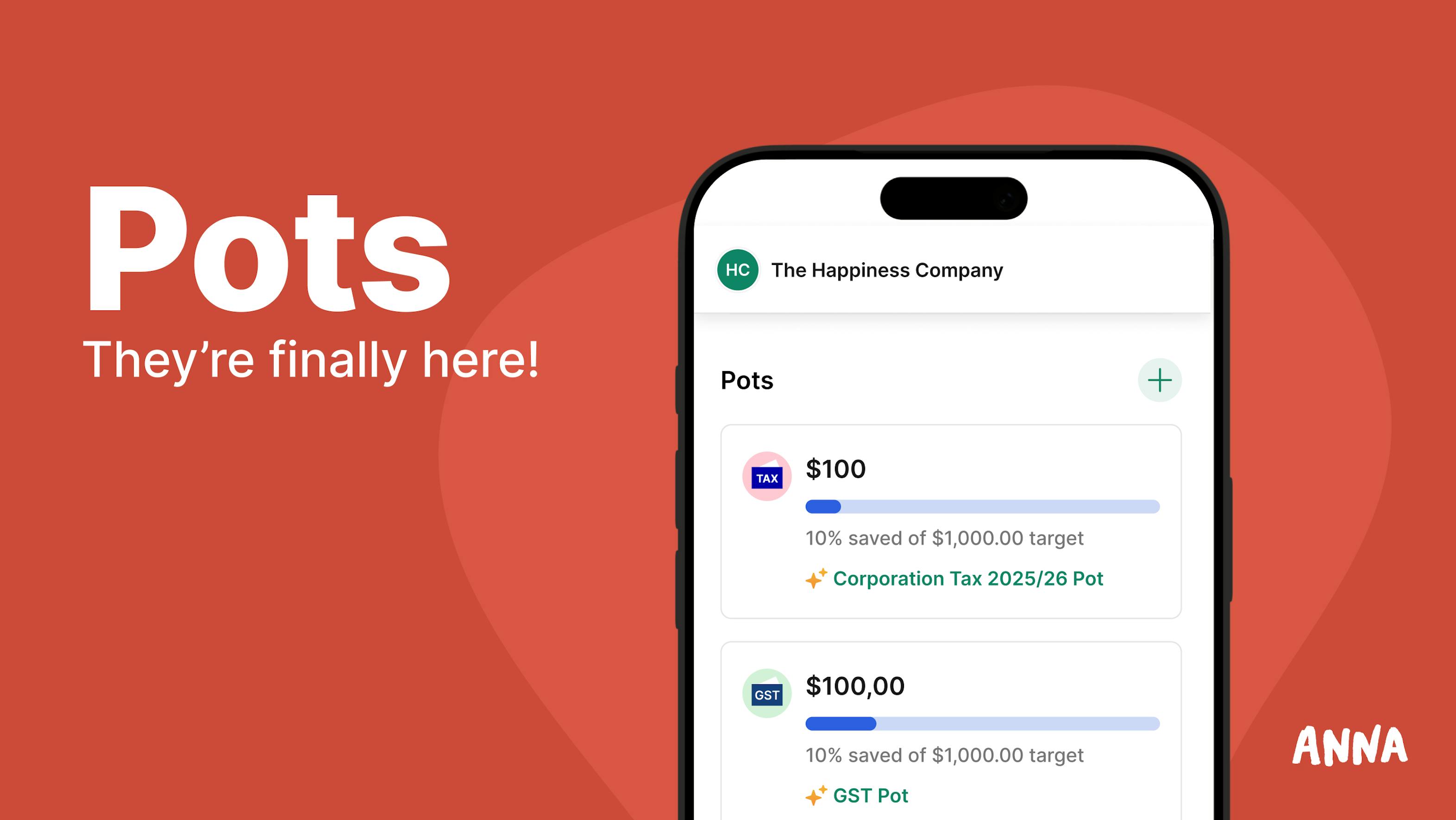
Set money aside for tax, GST, savings, or upcoming expenses with ANNA Pots. It’s an easy way to keep important funds separate from your everyday spending, so you’re always one step ahead.
Got questions? Reach out to us in the ANNA app chat. We’re always here to help.
ANNA +Taxes is available for newly registered companies – first 1,000 customers get 6 months free. We auto-categorise your transactions and take care of your lodgements.

.svg)